

Still using a profile photo from four years ago? An AI profile picture generator can give you a fresh one in under a minute. Upload a selfie or type a short description, and you get a clean, professional-looking photo with no studio, no photographer, and no design skills. If you can snap a selfie, an AI headshot can do the rest, and you can use these AI photo generators on LinkedIn, Instagram, or any other account.
Post your AI-generated profile pictures on Instagram, Facebook, LinkedIn, X (Twitter), and your business pages. Using the same photo everywhere makes your brand easy to recognize. In this guide, you’ll learn how to create AI profile pictures for your business and how to pick the best AI profile picture generator for each platform. You’ll also see how to use an AI profile picture maker, plus a few tips to help beginners get started.
Quick Comparison: AI Profile Picture Tools at a Glance
| Tool | Best for | Input | Plan |
| Canva ai | Beginners and small businesses | Templates and Prompts | Free plan available: Paid plans are US$12 per month |
| PFPMaker | Quick LinkedIn headshots | Selfie Upload | Free plan available |
| Dreamina | Mascots and creative avatars | Text prompt | Paid plans: USD 21.60 |
| profile picture. AI | Polished headshots from selfies | Several selfies | Paid plans $9 |
| Vance AI | Fixing and enhancing photos | Photo upload | Paid plans: $15 |
What is an AI profile picture?
Ever wished you could get a decent profile pic without owning a camera? That’s basically what an AI profile picture generator does. You give it some input, and it hands back an image. Sometimes it’s a realistic photo, sometimes a cartoon or a painting, and sometimes even a mascot for your brand.
Most tools work in one of two ways.
- Photo Upload: In this method, you upload a selfie, and the tool creates new versions of that image, featuring different outfits and backgrounds.
- Text or Prompt: In this method, you give the tool a short description, called a “prompt,” and it creates an image based on the words you wrote.
Start by deciding what you need, then pick the tool. Want a clean headshot for LinkedIn? Go with photo upload. Building a character for your brand? A text prompt is the better bet.
Choose Your Goal First
- LinkedIn and job profiles: Go for a clean, professional look. Wear something neat and simple that fits your line of work.
- Social media: Here, you have more freedom to use AI image generator tools, allowing you to incorporate colors of your choice.
- Gaming or entertainment: You can opt for AI-generated images in styles such as cartoons, anime, or fantasy.
Business Account or Social Account?
Business Accounts: For business profiles and websites, using a clean, professional image—or a logo—helps build a strong brand identity. This is especially important for consultants and freelancers.
Personal Social Accounts: Use an image where your face is clearly visible. You have more creative freedom here.
Facebook Page: Use a clear logo or headshot that makes the purpose of your profile immediately apparent.
Instagram: Incorporating your brand colors into the background is an excellent approach.
X (Twitter): Use a bold image that is easily recognizable, even when someone is scrolling quickly through their feed.
YouTube: Feature a face or a mascot, and use bold, eye-catching colors.
Most platforms crop images into a circular shape, so ensure that your face is positioned right in the center.
Best AI Profile Picture Generator Tools to Try
Need a profile picture for your business or social media, but don’t have a good photo? Picking a tool is the hard part. There are tons of them, and not every AI profile picture generator suits beginners. It depends on what you want, whether that’s a realistic headshot or a fun avatar. Your budget matters too.
Here are 5 tools worth checking out.
1. Canva AI
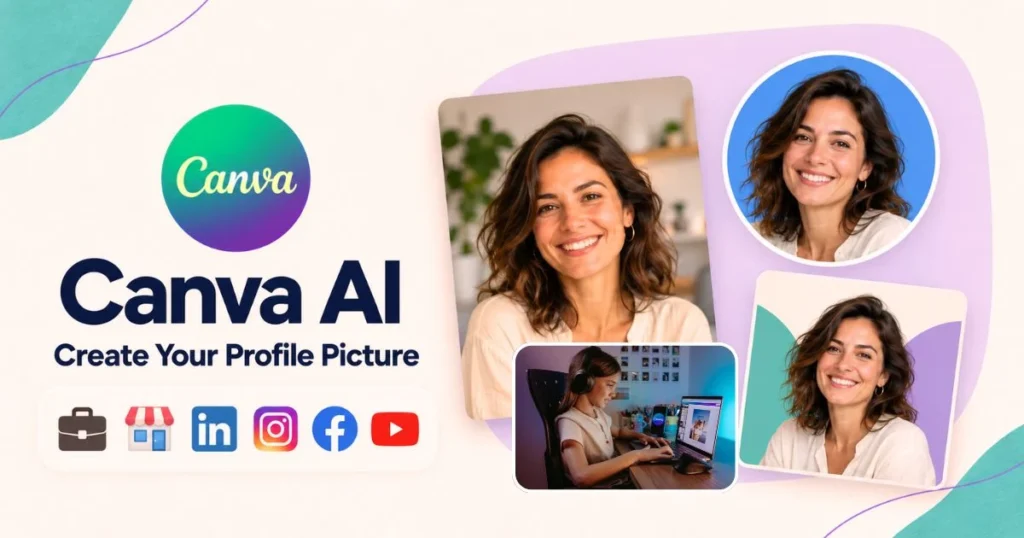
Canva is where most people start when they need to make something look good. Pick a template, change the text and photos, and you’re done. You can make profile pictures, social media posts, logos, and more. There’s some AI stuff built in too, like background remover and image generation.
Key Features:
- Large template library
- Built-in background remover
- AI image generation
Best for: Beginners and small business owners who want good-looking designs without learning design.
2. PFPMaker
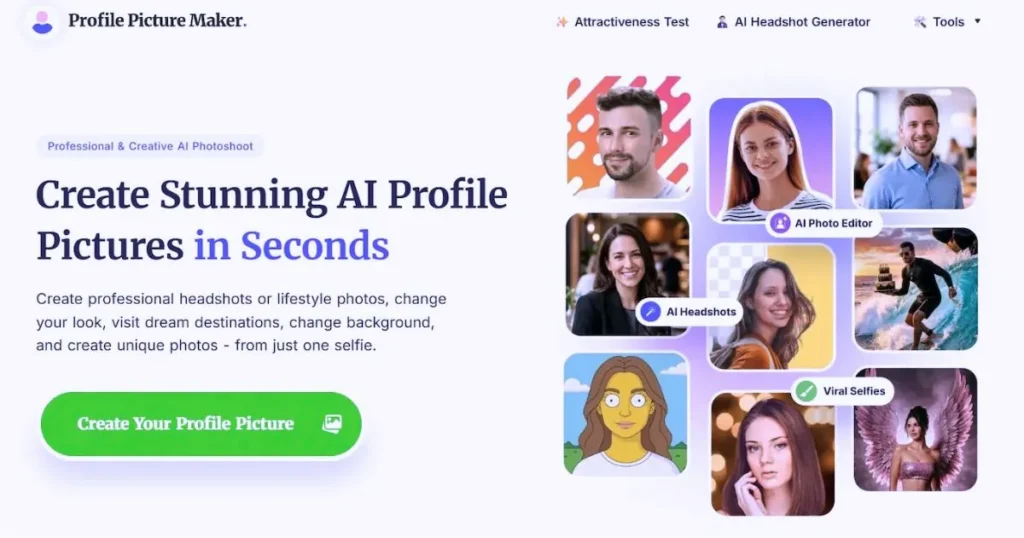
PFPMaker is a web tool that creates profile pictures for you. Simply upload your selfie, and it will transform it into a professional-looking photo.
Key Features:
- Selfie upload
- Professional-style results
Best for: Quickly generating headshots (profile photos) for LinkedIn or business-related pages.
3. Dreamina
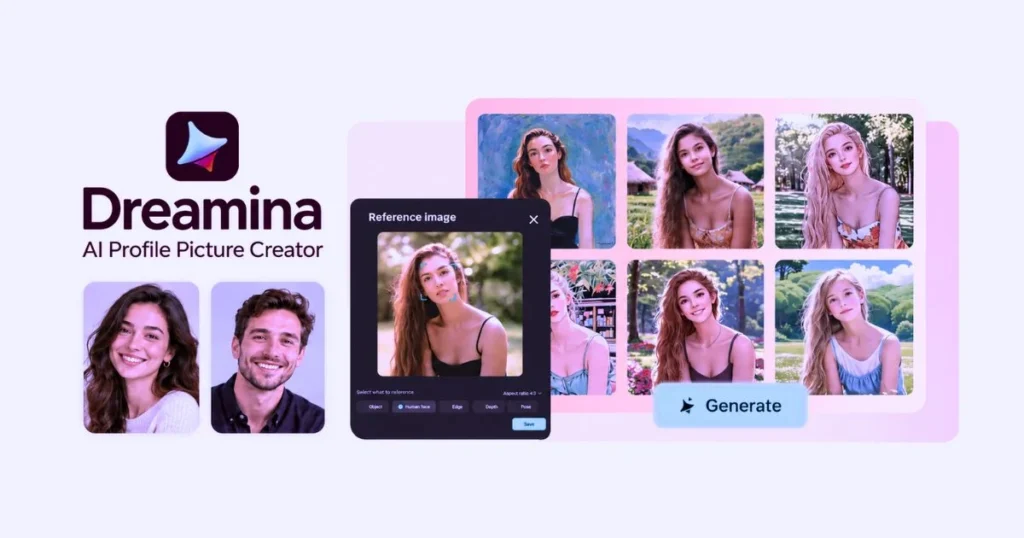
Want a custom profile photo or avatar? Just describe what you have in mind, and this tool creates it for you. It works well for fun, creative looks, and mascots.
Key Features:
- Text-to-image generation
- Creative and stylized looks
Best for: Anyone who needs a mascot, a brand character, or eye-catching visuals for a gaming or creator account.
4. Profile picture
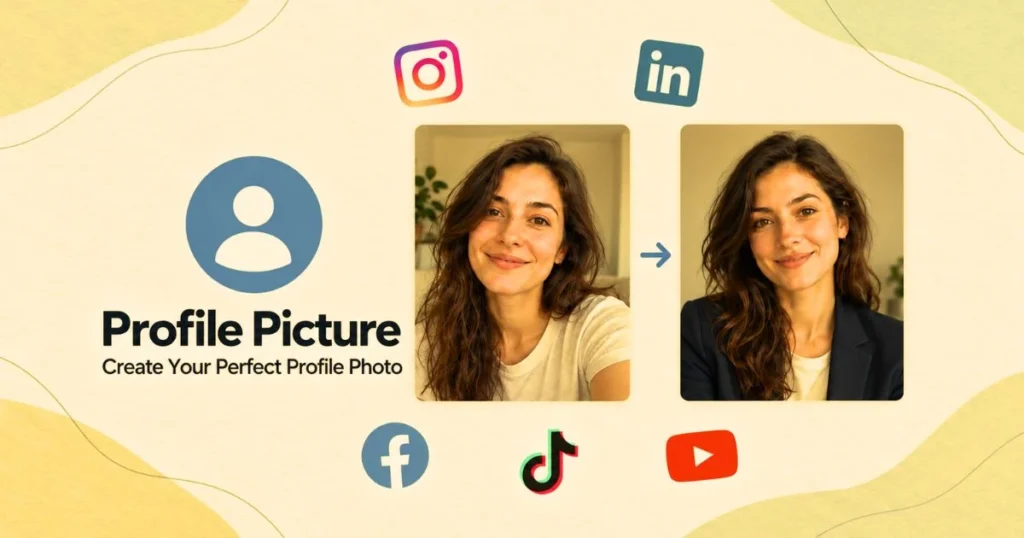
This tool turns your own selfies into polished headshot-Style photos. Upload a few pictures, and it creates new ones that look just like you.
Key Features:
- Multiple selfie uploads
- Headshot-style results
Best for: Anyone who wants fresh, good-looking photos for their social media profiles, without booking a photographer.
5. Vance AI
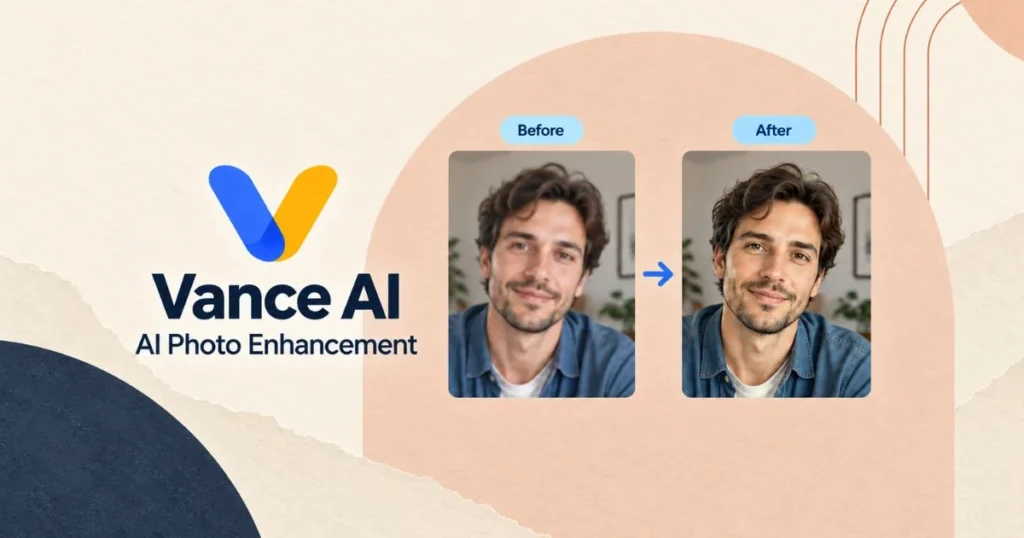
VanceAI helps you fix blurry or low-quality photos in a few clicks, and you can use it to make profile pictures too. You can use it to restore old photographs and add color to black-and-white images.
Key Features:
- Photo enhancement and sharpening
- Old photo restoration
- Colorizing black-and-white photos
Best for: People who want to add color to their photos and improve their quality.
How to Choose an AI Profile Picture Maker
Search online and you’ll find plenty of AI profile picture generator tools. But every business has its own personality, and your profile image or logo should match it. So pick a tool that fits what your business actually does.
Commercial use: Check the terms before you commit. Some tools only allow personal use, and others charge for commercial rights.
Privacy: See where your photos are stored and whether you can delete them later.
Cost: Some tools are free, some are paid, and a few “free” ones still ask for your card details at sign-up.
Input needed: Some tools work from a short description or a single photo. Others want more detail before they give you a good result.
How to Use an AI Profile Picture Maker
By following these step-by-step instructions, you can easily create an AI-generated profile picture for your business or social media.
Step 1: Determine the purpose of the profile picture—will it be used for a business page or a personal account?
Step 2: Decide on the look you want. Do you need a logo or a mascot? Choose a design and colors that align with your brand.
Step 3: Prepare a text description or a selfie to provide clear instructions to the AI tool, ensuring it accurately understands your requirements.
Step 4: Research available AI tools and select the one that best suits your needs. (Refer to the checklist of 5 tools provided above for assistance.)
Step 5: Create an account on your chosen platform (if required), keeping privacy in mind. Upload your text or photo, select a template, and—if it is for business—choose a style that appears the most natural.
Step 6: Do not settle for the very first image generated by the AI tool. Try to create more than one image.
Step 7: Once you are completely satisfied with your profile picture, save it and use it across your business and social media channels.
Tips for Beginners
Tips for beginners on creating a great profile picture using an AI profile picture generator
- Beginners should use tools that offer free plans for creating AI-generated profile pictures.
- Use a simple, clear, and neat selfie.
- When providing a prompt, be specific about the changes you would like to see.
- For a professional profile, ensure that your face and attire appear simple and appropriate.
- Be sure to read the terms and conditions of the platform you are using.
- Remove any unnecessary files or uploads from the tool.
FAQs About AI Profile Picture Generators
What is the best AI profile picture generator?
Canva is a great place to start; it is a very popular tool that offers many features for free and is easy to use.
Can I use AI-generated profile pictures for my business?
Yes, but you will need to check the plans and features offered by the tools. Some tools only permit personal use, while others include commercial rights. Before using an image on a business page, website, or as a logo, be sure to review the ‘Terms of Service.’
Can I use an AI-generated profile photo for job applications?
Yes, but it must look like you so that recruiters and clients can recognize you; the image should appear authentic and natural. Also, ensure that it aligns with the guidelines relevant to the job for which you are creating the profile.
What should the size of a profile picture be?
Most tools crop your profile image into a circular shape; therefore, ensure that your face is centered and clearly visible. The required size may vary depending on the platform.
Conclusion
The best AI profile picture generator tool depends on your specific goal. I suggest starting with Canva; for a professional look, use headshot tools like PFPMaker or ProfilePicture, and for a mascot or creative avatar, try Dreamina.
Before using an AI profile picture generator, be sure to review its privacy policy and terms regarding commercial use. Also, don’t rely on just one tool—try out a few different ones to see which works best for you.
Leave a Reply