
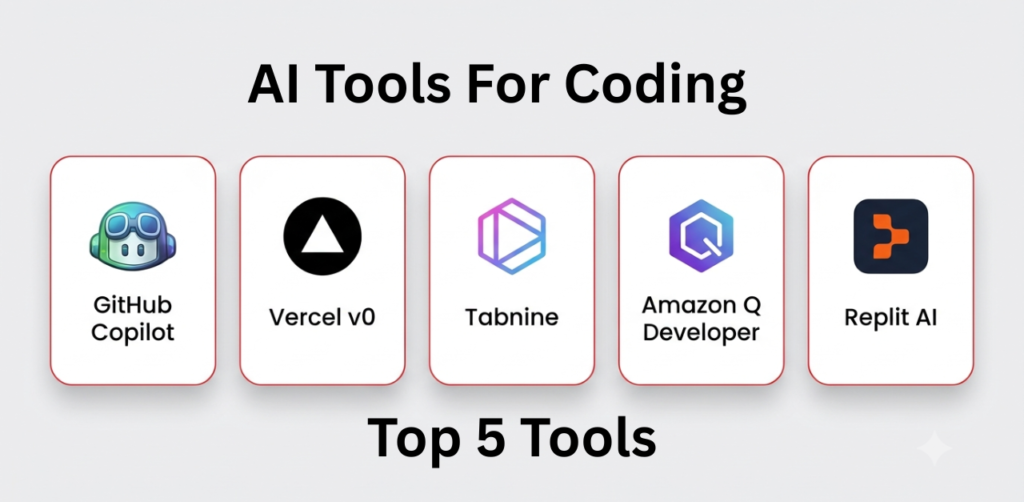
Discussions regarding AI Tools For Coding have intensified among people in the US and China, and there is a race among other nations to develop their own AI tools as well. Now, even those with absolutely no knowledge of JavaScript can create fully functional apps of their own. This follows the news that anyone can easily build apps, websites, and more without having to learn JavaScript.
If you have a friend who knows about coding, you have likely heard them mention that a new AI coding tool emerges every few weeks; if you are active on Reddit, you will see people sharing their opinions on which of these apps is the best.
Some tools can write small pieces of code. Others can find simple errors or explain what the code is doing. Every tool works a little differently. Below are some AI coding tools that many people use today. Take a look at what each one offers and decide which one works best for you.
What Are AI Tools For Coding
AI tools for coding are designed to write, edit, and understand code. Not long ago, writing code meant doing almost everything by hand. Today, AI coding tools can take care of many small jobs, so you can spend more time building your project instead of fixing the same problems over and over.
Every tool works a little differently. Some can suggest the next line of code while you type. Others can explain code that’s hard to understand or help you find mistakes before they become bigger problems.
Best AI Tools for Coding
There are lots of AI coding tools available today. Some help you write code, while others can find mistakes, explain code, or help you finish everyday coding work a little faster. Not sure which tool to pick? Here are a few that are popular with developers.
GitHub Copilot
GitHub Copilot offers real-time coding suggestions. Here is what it can do for you:
- Day-to-day coding
- Auto-completion
- Boilerplate code
- Team development
- Key features
- Smart code completion
- Function generation
- Simple suggestions
- IDE integration
Replit AI
Used by beginners in the US for coding.
- Students
- Beginners
- Those working on small projects
- Online coding
Key Feature
- Browser-based IDE
- AI coding assistant
- Easy deployment
- Collaboration tools
Amazon Q Developer
If you already use AWS, Amazon Q Developer can make everyday cloud work a little easier. It can help with writing code, working with AWS services, and handling common cloud tasks while you build your projects.
- AWS services
- Cloud applications
- Infrastructure projects
- Business and enterprise apps
Tabnine
AI tools for coding – Tabnine suggests code while you work, so you don’t have to type everything yourself. Many teams use it because it works with private projects and keeps their code in a secure workspace.
- team coding
- private projects
- secure workplaces
- everyday development
Vercel v0
Building a new page from scratch can take time. Vercel v0 lets you describe what you want, and it creates a starting layout for you. It’s mostly used by React developers, but anyone working on the front end can use it to get ideas and build pages faster.
- React websites
- Landing pages
- Front-end work
- Trying out new layouts
It can help you:
- Build layouts from simple prompts
- Create React code
- Make responsive pages
- Start projects more quickly
How to Choose the Right AI Coding Tools
Every AI coding tool is different. Pick one that fits the way you work.
- What type of projects do I build?
- Which programming languages do I use most?
- Does it work with my code editor?
- Are you coding alone or with a team?
- Free plan or paid plan?
- Does it keep your code private?
- Is it easy for beginners?
- Try it before paying for it.
Conclusion
If you are considering learning to code, the “AI Tools for Coding” page provides information on both free and paid AI tools. You should try out the various tools listed and start with the one that suits you best. You will find thousands of tools online, but each serves a different purpose. Most people in the US use the tools mentioned above.
Leave a Reply